Universal Cables Built-In.
Trusted by Leading Venues.
Designed for Every Environment.

MODELS

MINI:

Compact.
Perfect for small events, kiosks, and pop-ups.

Ad screen

Single 8” display

Power banks

Up to 6

Modes

Retail

Event

MORE

Power banks features

Universal, built-in Lightning, USB-C, and Micro-USB cables.

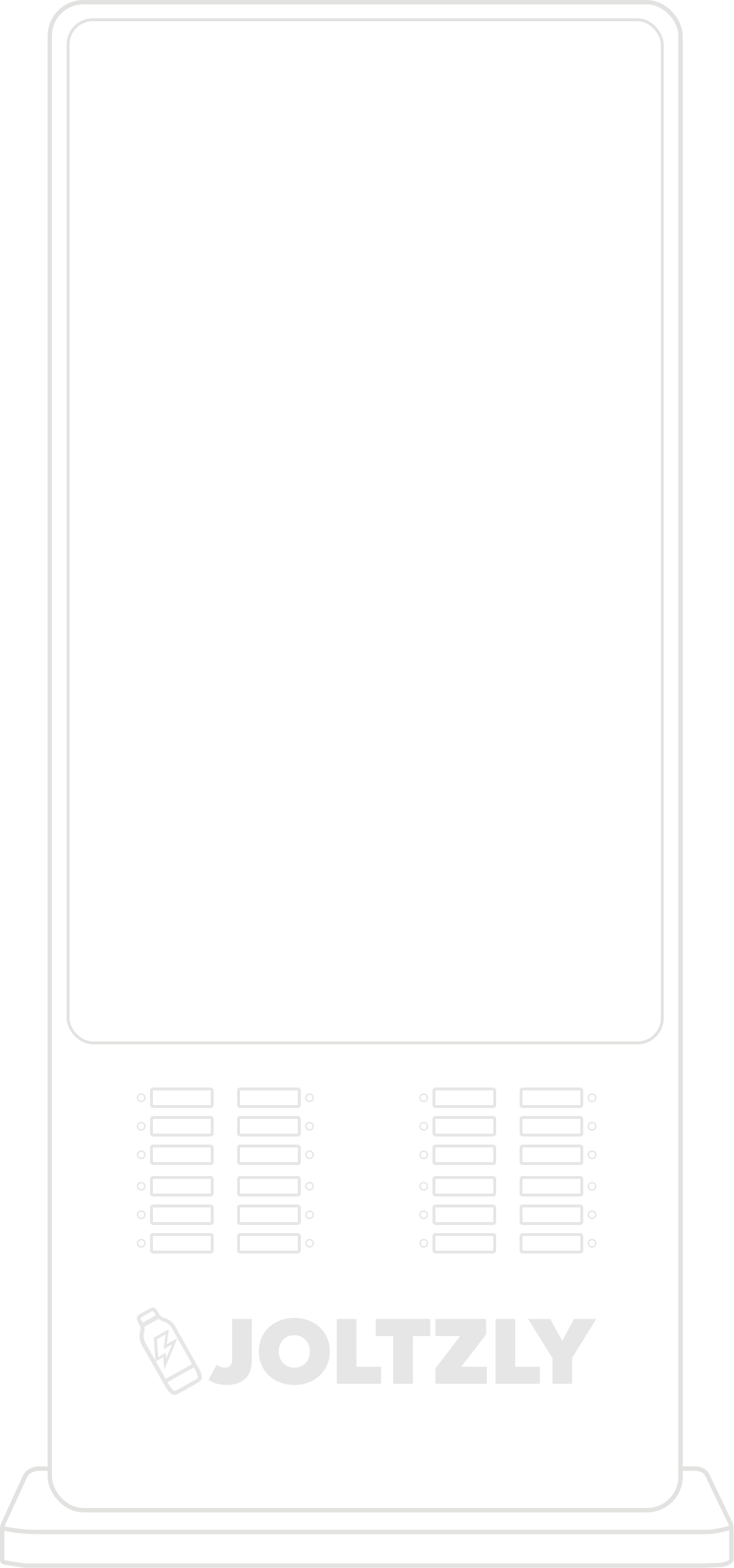
FLEX

Flexible.
Ideal for conferences, festivals, and community events.

Ad screen

Single 24” display

Power banks

Up to 24

Versatile.
Built for high-traffic events, activations, and pop-ups.

Ad screens

Single 55” display

Power banks

Up to 28

Modes

Retail

Stadium

Airport

Event

MORE

Power banks features

Universal, built-in Lightning, USB-C, and Micro-USB cables.

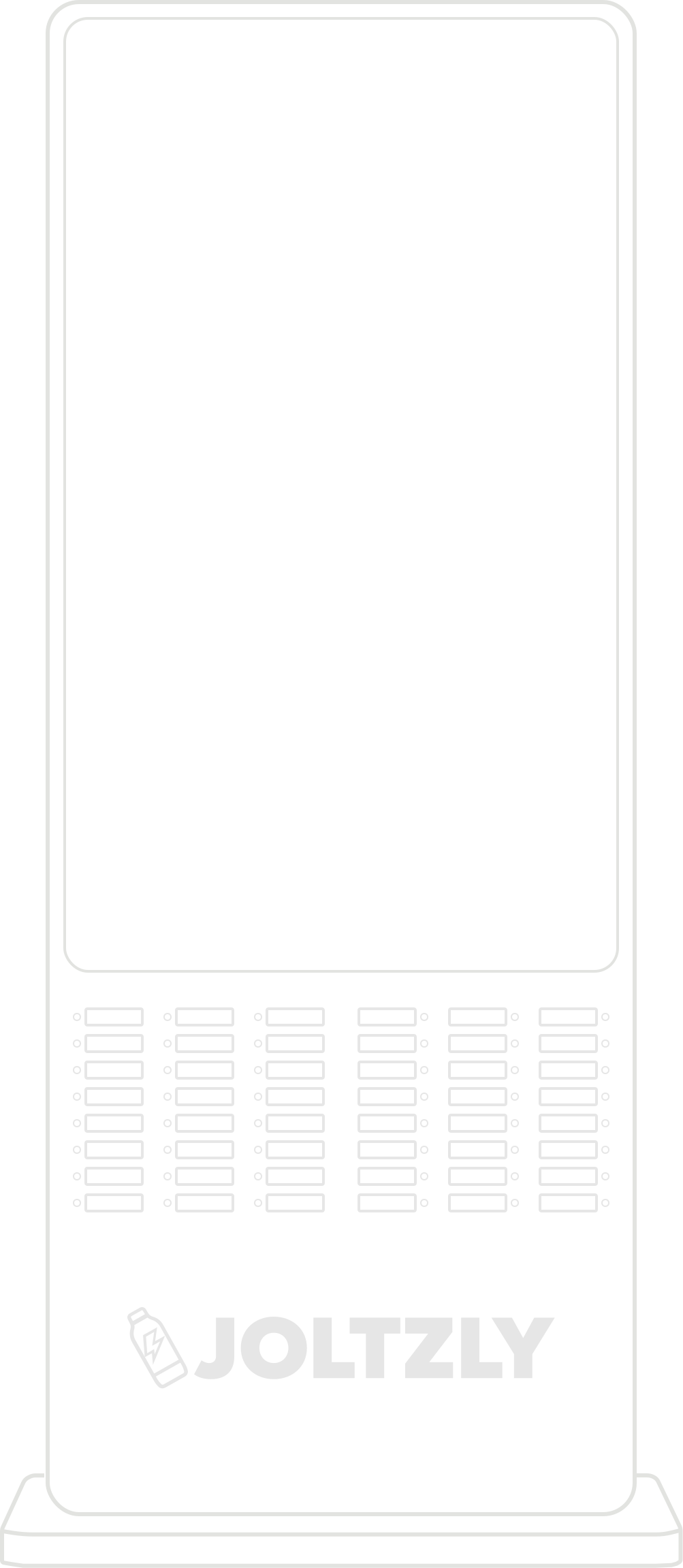
MAX

Powerful.
Designed for arenas, stadiums, and large-scale events.

Ad screen

Single 55” display

Power banks

Up to 48

Modes

Retail

Stadium

Airport

Event

MORE

Power banks features

Universal, built-in Lightning, USB-C, and Micro-USB cables.

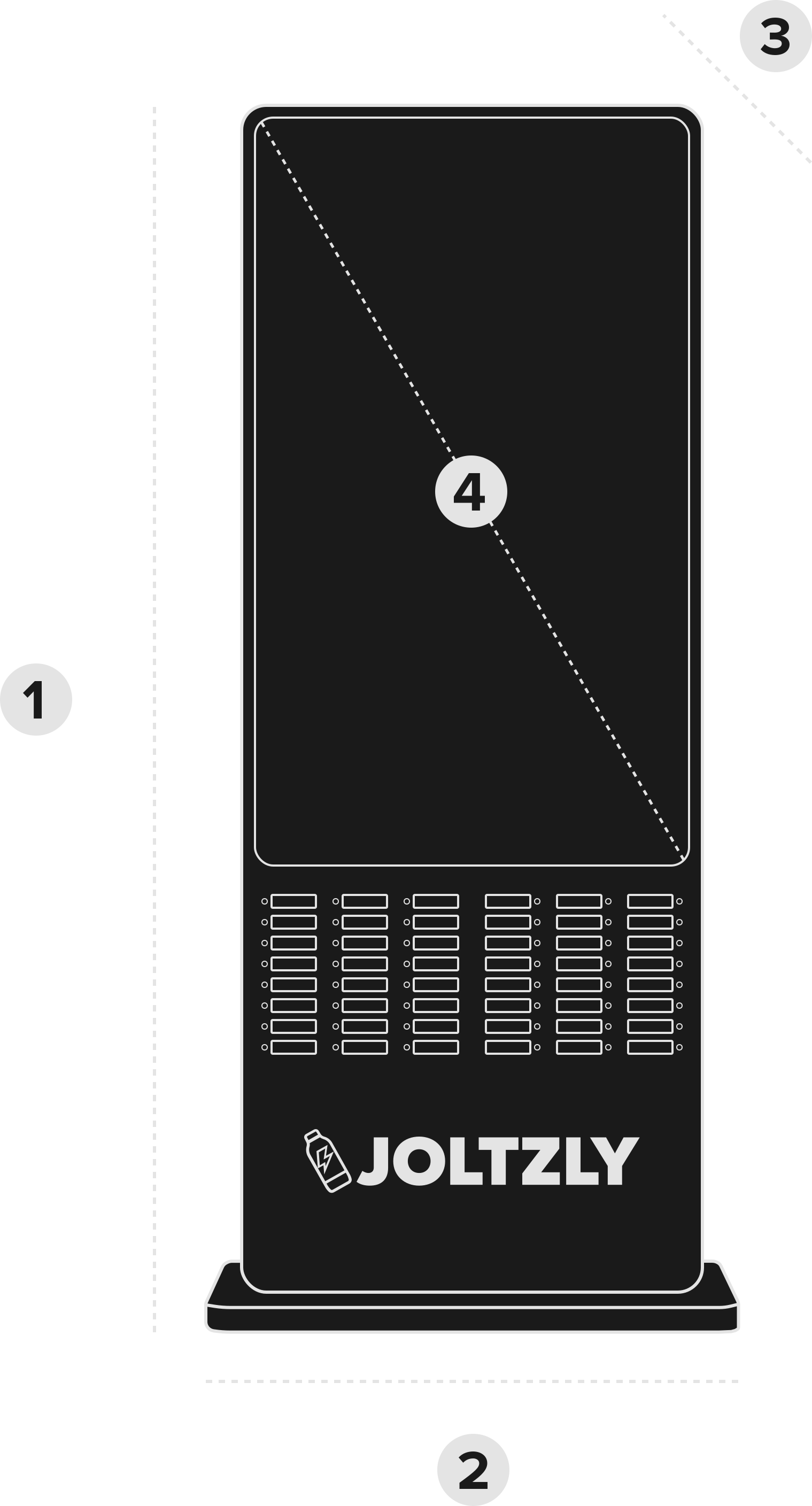
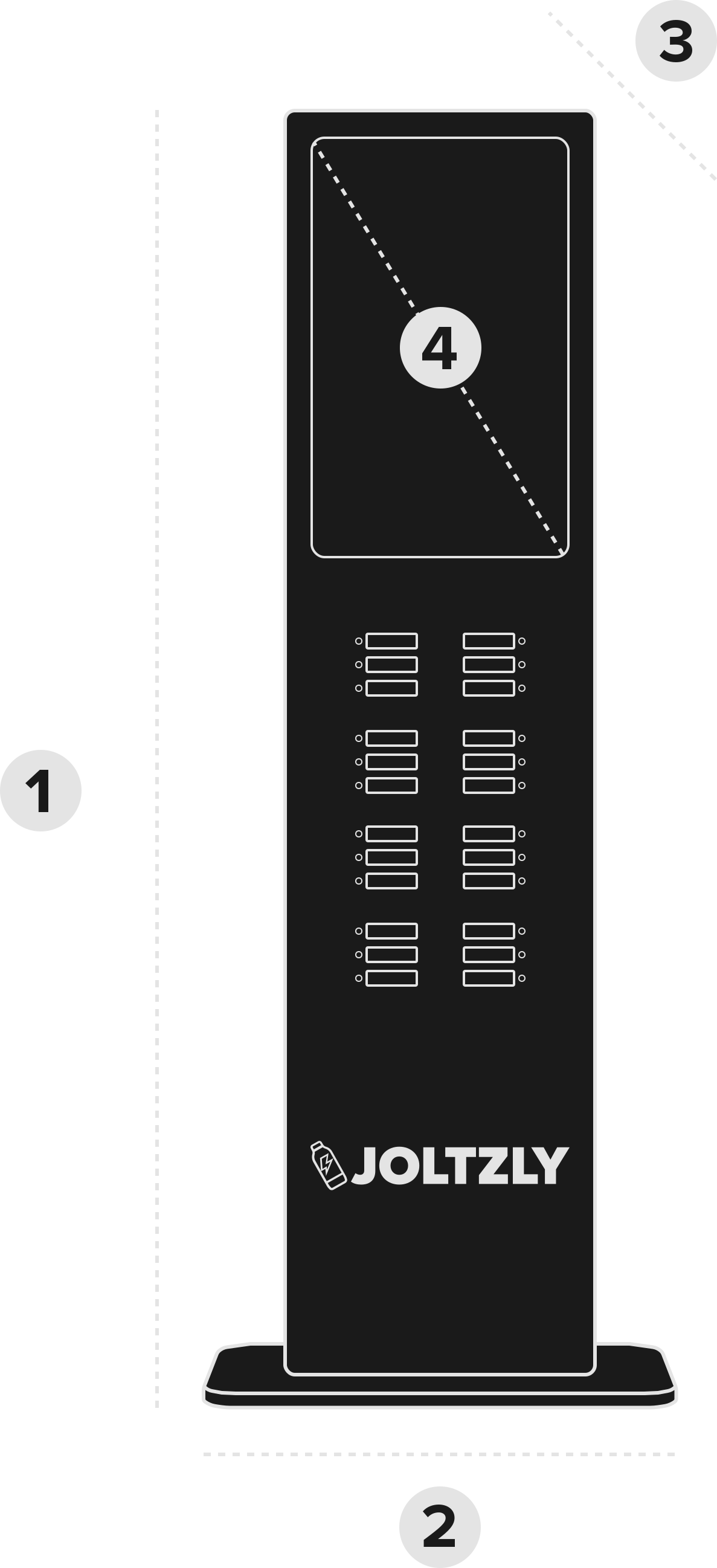
Dimensions

Height
75 In
Width
30 In
Depth
15 In
Ad screen
55 In
Height
61 Inch
Width
24 Inch
Depth
10 Inch
Ad screen
26 Inch
Height
9 Inch
Width
10 Inch
Depth
7 Inch
Ad screen
8 Inch

FAQ

How to use Joltzly station?

• Scan the QR code to download the Joltzly App
• Open the app and sign in with your Apple or Google account
• Tap Scan and scan the QR code on the JuicePad
• Complete the payment process

You’re all set — juice it up! 🔋

What if My Rental Time Still Running After I Returned the Power Bank?

If a power bank is returned in the wrong orientation or not fully inserted, the station cannot register the return, and the rental timer will continue running.

You may feel resistance when inserting the power bank if it is facing the wrong direction. Please DO NOT force it. Forcing the power bank into the slot can cause it to become stuck and may prevent the return from registering.

To avoid this issue, always follow the return label on the power bank and make sure the metal contact side is facing into the slot.

For a successful return
• Follow the return label on the power bank
• Insert the power bank metal-side first, facing the slot
• Slide it in gently until it locks into place
• Confirm the return in the app

If the power bank is stuck or your time is still running
• Contact support immediately through the app
• Explain what happened so we can assist you quickly

In some cases, additional fees may apply if the power bank is damaged or requires manual recovery.

Why Does the Power Bank Pop Out When I Try to Return It After 48 Hours?

If you try to return a power bank after 48 hours, the station may reject it and eject the power bank. This is expected behavior.

After 48 hours, the rental automatically ends and the power bank is considered purchased. At that point, the station will no longer accept the return, even if the power bank is inserted correctly.

If this happens, you can simply keep the power bank — no further action is required.

If you believe this happened in error or have questions about your charge, please contact support through the app and our team will be happy to help.